
You haven't signed in yet, you can have a better experience after signing in
*Please complete the payment within {{receiveCouponInfo.expire_at}}Previous use*
You haven't signed in yet, you can have a better experience after signing in



Activity Rules
1、Activity time:{{ info.groupon.start_at }} ~ {{ info.groupon.end_at }}。
1、Activity time:cease when sold out。
2、Validity period of the Group Buying:{{ info.groupon.expire_days * 24 }} hours。
3、Number of Group Buying:{{ info.groupon.need_count }}x。
Please Pay Attention
1、Teamwork process: Join/initiate a Group Buying and make a successful payment - Within the validity period, the number of team members meets the activity requirements - Group Buying succeeded!
2、If the number of participants cannot be met within the valid period, the group will fail, and the paid amount will be refunded in the original way.
3、The number of people required and the time of the event may vary among different products. Please pay attention to the rules of the event.
Nuclear Shuo Multi functional Media Album Viewing Tool Software




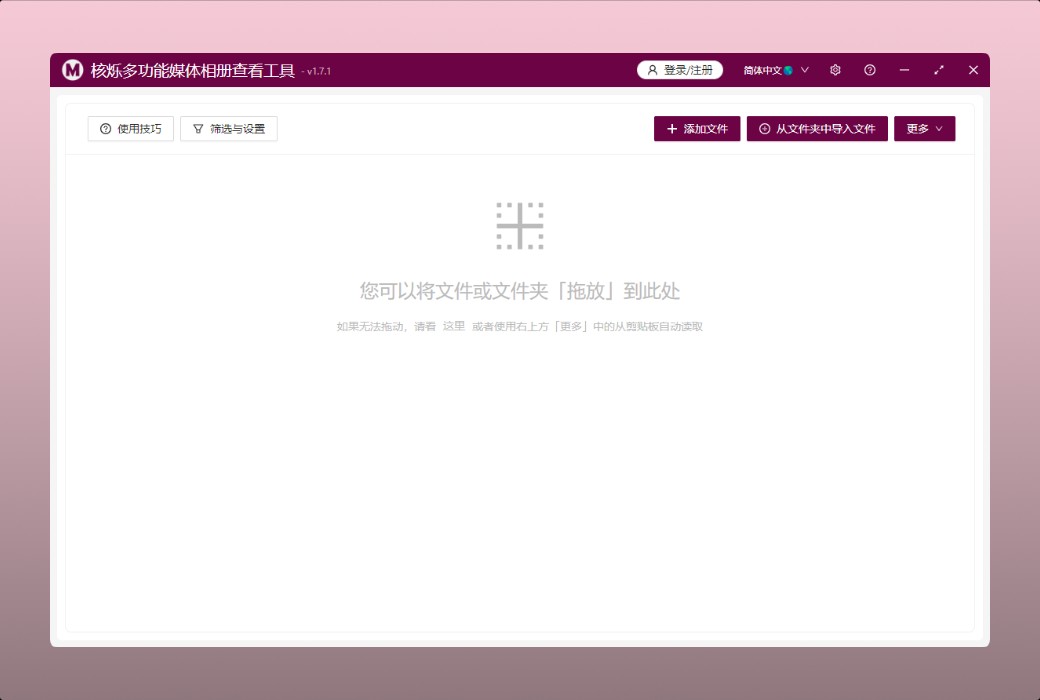
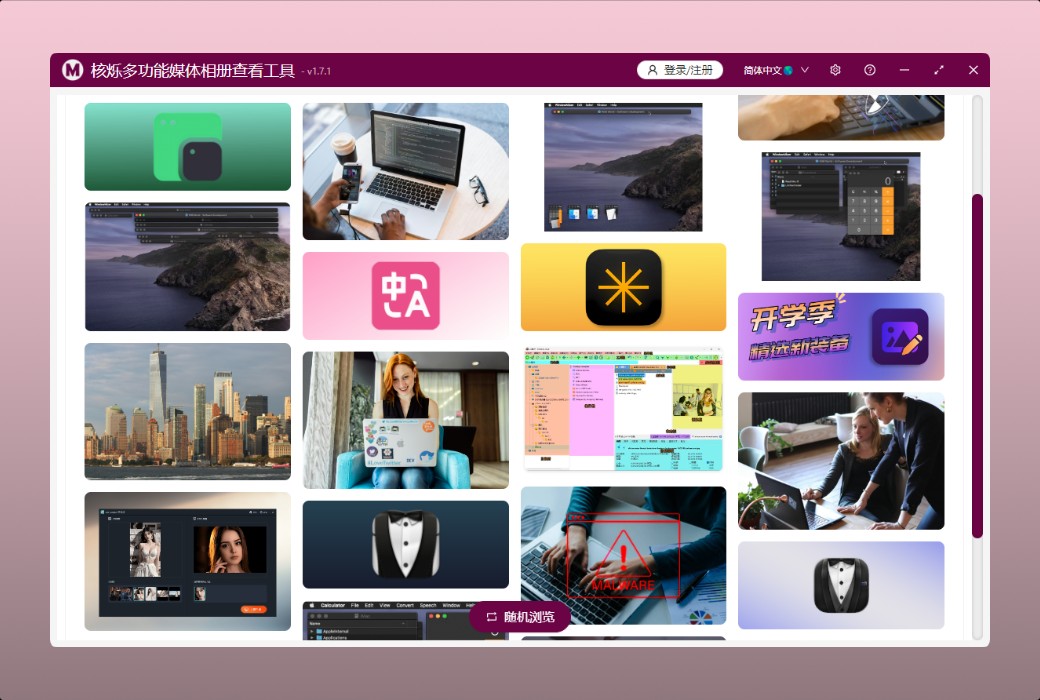
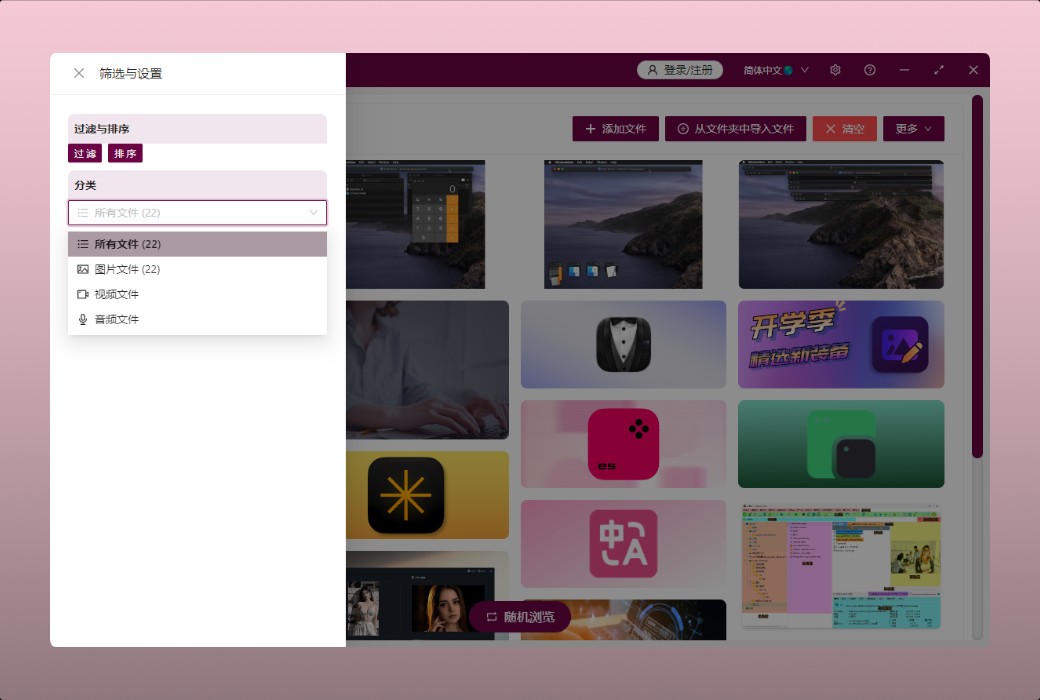
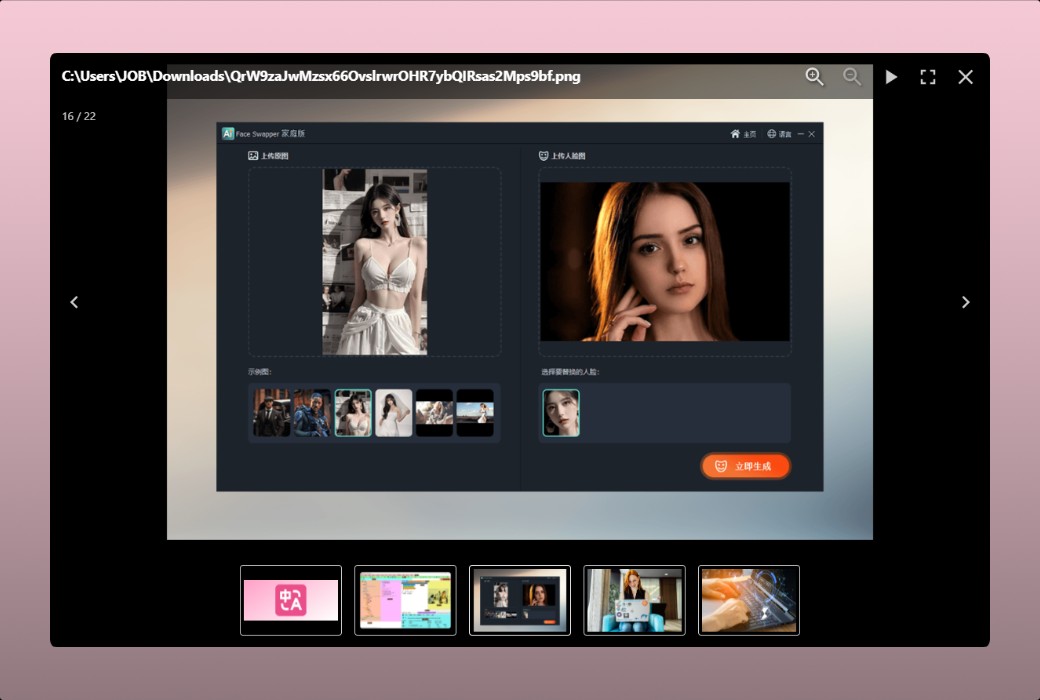
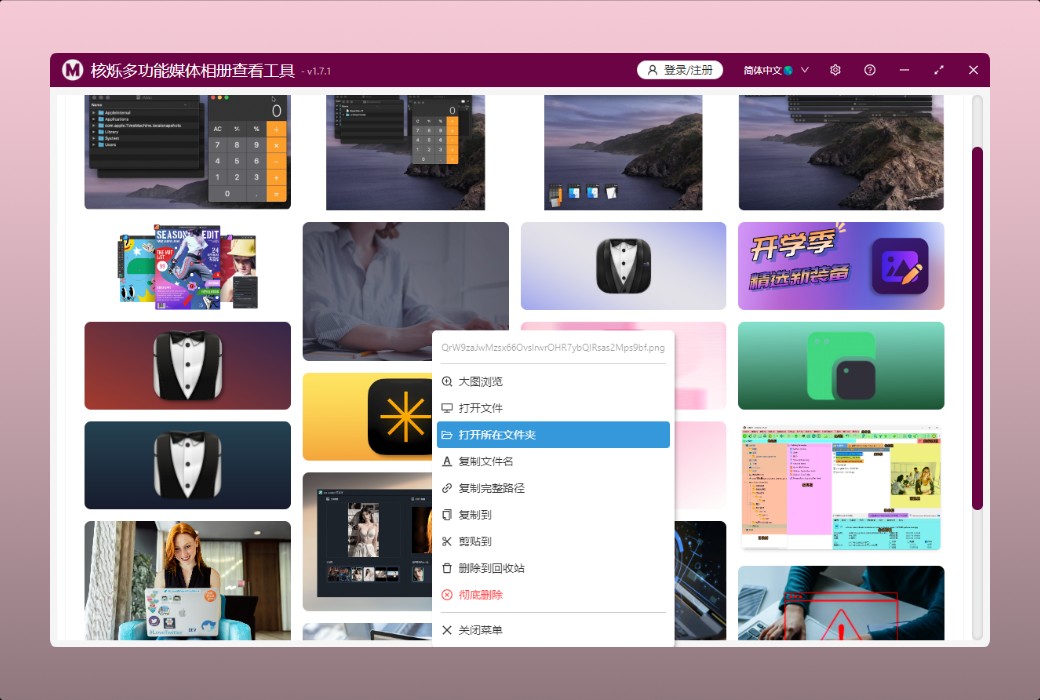
This is a small tool for batch viewing pictures, videos, and audios on local computer disks. It can easily display all pictures, videos, and audios simultaneously on the software interface for us to view and play. When we need to quickly preview many multimedia files, this tool can significantly improve preview efficiency.
Main functions and features
Media file preview
file operations
This is a small tool software running on Windows computers that can simultaneously display and preview many images, videos, and audios. When we need to preview many files at the same time, we can use this small tool software to view or play media files at the same time. Right clicking on the preview image allows us to operate files, such as saving as, copying file names, paths, deleting files, etc. We can also select multiple files in bulk and perform batch operations, which is very convenient.
Official website:https://www.wodeabc.com/article/show/8002662/
Download Center:https://heshuo-media-viewer.apsgo.cn
Delivery time:Manual online processing
Operating Platform:Windows
Interface language:Support Chinese interface display.
Update Description:Use and update during the subscription period
Trial before purchase:Free trial is available before purchase.
How to receive goods:After purchase, the activation information will be sent to the email address at the time of placing the order, and the corresponding product activation code can be viewed in the personal center, My Orders.
Number of devices:Log in to the account and use it on one device at the same time.
Replace computer:Uninstall the original computer and activate the new computer.
Activation guidance:https://heshuo-media-viewer.apsgo.com/forum/4925
Special note:To be added.
reference material:https://www.wodeabc.com/article/show/8002662/

Any question

There may be this issue with the 'images embedded in cells' of WPS tables in the China region, as Office and WPS are not 100% compatible, and our software prioritizes compatibility with Microsoft Office
You can try using WPS to open the file, find the image in the cell ->right-click ->convert to floating image ->save; → Try reprocessing